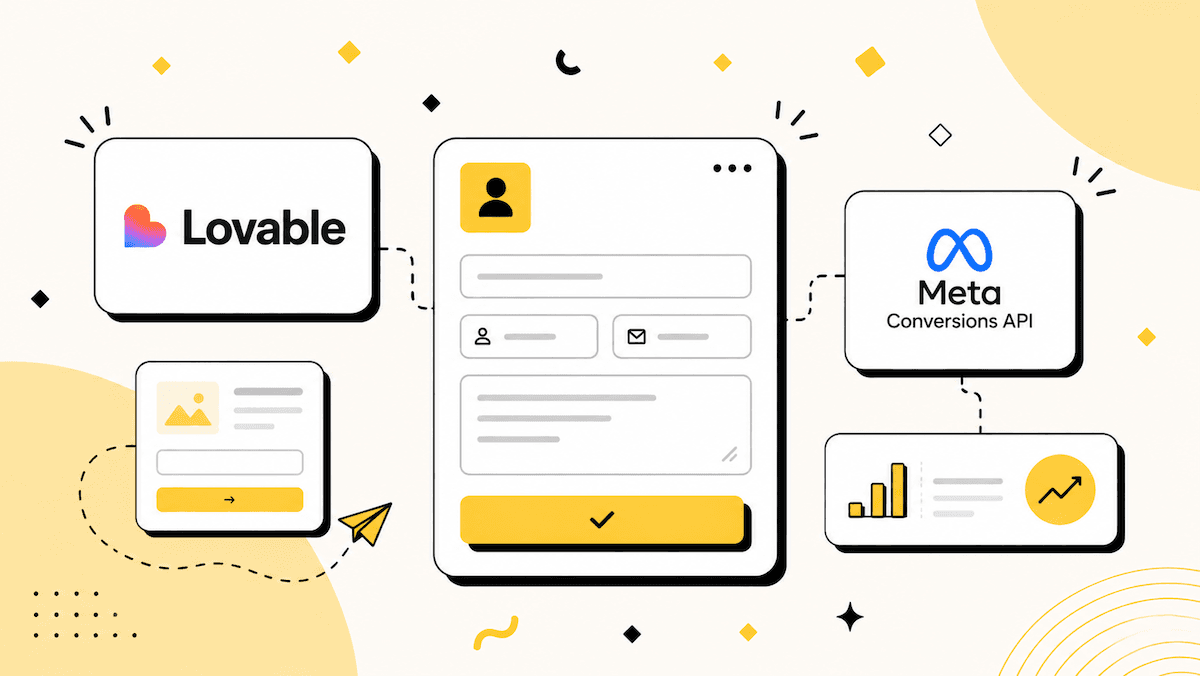
Quick answer: Lovable builds a beautiful funnel, but it runs in the browser, and Meta's Conversions API is server-side. To add CAPI you need a server layer that holds your access token, hashes customer data, and deduplicates against the pixel. You have two options: build a Supabase edge function yourself, or embed a Collectform lead form into the funnel and let it handle the server-side tracking for you.
The 5-minute option: Lovable takes care of your funnel, Collectform is the lead form platform you embed into it, and it takes care of the tracking. Drop the Collectform web component into your Lovable funnel, paste your Pixel ID and access token into the form's Integrations tab, map your fields, and hashed, deduplicated CAPI events start firing server-side. No backend, no access token in your front-end code.
Why you can't just paste CAPI into Lovable
The Meta Pixel is browser code, so it drops straight into a Lovable project. The Conversions API is different. It is a server-to-server call, and it comes with three requirements a funnel alone cannot meet safely:
- A secret access token. CAPI authenticates with a token that must stay on a server. Put it in your Lovable front-end and anyone can view-source it and send events as you.
- SHA-256 hashing. Customer data (email, phone, name) has to be normalized and hashed before it reaches Meta.
- Deduplication. Each server event needs a shared event ID with its pixel counterpart so Meta counts the conversion once.
That is why "add CAPI" always means "add a server layer." The only question is whether you build that layer or embed something that already is one.
Two ways to add Meta CAPI to a Lovable funnel
| Approach | Effort | Best for |
|---|---|---|
| Embed a Collectform lead form | ~5 minutes, no code | Lead-gen funnels: capture the lead and send CAPI in one embed |
| Supabase edge function (DIY) | Developer time | Teams who want full control of the payload and backend |
Option 1: Embed a Collectform lead form (the easy way)
Lovable is great at building the funnel. Collectform is the lead form you embed into it, and it already runs the server-side layer, so the CAPI setup is just connecting your accounts.
Step 1: Build your funnel in Lovable
Prompt Lovable to build your funnel as usual, hero, copy, sections, wherever you want the lead form to sit.
Step 2: Get your Collectform embed
In Collectform, open your form and copy its embed. It is a small script tag plus a web component, for example:
<script type="module" src="https://collectform.com/dist/collectform.js"></script>
<collectform-embed form-id="your-form-id"></collectform-embed>
Step 3: Add the embed to your Lovable funnel
Tell Lovable to add the script to index.html and render the <collectform-embed> element where you want the form. A prompt like this works:
"Add this script tag to index.html, and render
<collectform-embed form-id='your-form-id'></collectform-embed>inside the hero section."
React renders custom elements fine, so the form appears inline in your funnel.
Step 4: Connect Meta CAPI in Collectform
In the form's Integrations tab, paste your Meta Pixel ID and access token, then map your fields (email, phone, name) to Meta's matching parameters. Collectform hashes everything with SHA-256, captures the _fbp / _fbc cookies, and fires events server-side, deduplicated against the pixel. This is also what drives a strong Event Match Quality score.
Step 5: Publish and test
Publish your Lovable site, submit a test lead, and confirm in Meta Events Manager, Test Events that the event arrives with a "server" or "both" source and deduplicates correctly.
That is the whole setup: Lovable owns the funnel, Collectform owns the lead capture and the CAPI.
Option 2: Build a Supabase edge function (the DIY way)
If you would rather wire it up yourself, Lovable's native Supabase integration gives you the server layer. The shape of it:
- Add the Meta Pixel base code to your Lovable project's
index.html<head>for browser-side events. - Create a Supabase edge function (Deno/TypeScript) to act as your CAPI endpoint.
- Store your access token as a Supabase secret, never in front-end code.
- POST events to the Graph API
/{dataset-id}/eventsendpoint from the function, following Meta's Get Started guide. - Hash customer data (email, phone) with SHA-256, and include a shared
event_idso it deduplicates against the pixel. - Call the function on form submit, passing the user data plus the
_fbp/_fbccookies, IP, and user agent.
This gives you total control, at the cost of building and maintaining the endpoint, the hashing, and the deduplication yourself. Our general walkthrough covers the payload in detail: how to set up the Facebook Conversions API.
What events should your funnel send?
A lead-gen funnel usually needs only a couple of events:
PageVieworViewContentwhen the page loads, so Meta sees the visit.Leadwhen the form is submitted, the event your campaigns optimize toward.
With the Supabase route you fire these yourself. With Collectform, the embedded form fires a view event on load and a Lead event on submit automatically, and because it asks one question at a time, you can map a specific event to a specific button (for example Lead or Schedule) instead of one generic submit.
Why bother: server-side is the point
Browser pixels get blocked or degraded by ad blockers, iOS App Tracking Transparency, and Safari ITP, so a large share of conversions never reach Meta. That is the exact problem CAPI solves, and we cover it in depth in why your Meta Pixel fires but conversions vanish. A stylish Lovable funnel with browser-only tracking still feeds Meta incomplete data. Adding CAPI, either way above, is what keeps your ad optimization honest.
Common mistakes
- Putting the access token in front-end code. It belongs on a server or inside your integration, never in a Lovable component or
index.html. - Sending CAPI without a shared event ID, which double-counts instead of deduplicating.
- Skipping the pixel once CAPI is live. Meta wants both, running together.
- Forgetting to hash email and phone, or hashing the
_fbp/_fbccookies (those go raw). - Never testing in Events Manager, then wondering why conversions look off.
The bottom line
Lovable builds the funnel; Meta CAPI needs a server. You can build that server as a Supabase edge function, or you can skip the backend entirely and embed a Collectform, the lead form platform for paid traffic that's the lead form plus server-side tracking in one drop-in component. For most lead-gen funnels, embedding is live in about five minutes and there is nothing to maintain.
Explore templates or start building for free with Collectform